Tips for creating cute anime-style images with Image v2
ねLately, I get the impression that making cute, anime-style illustrations with Image v2 (hereafter, v2) is becoming a lost art. Since I used to create nothing but v2 images, I'm writing down what I often do to generate cute illustrations using v2!
For example, something like this ↓
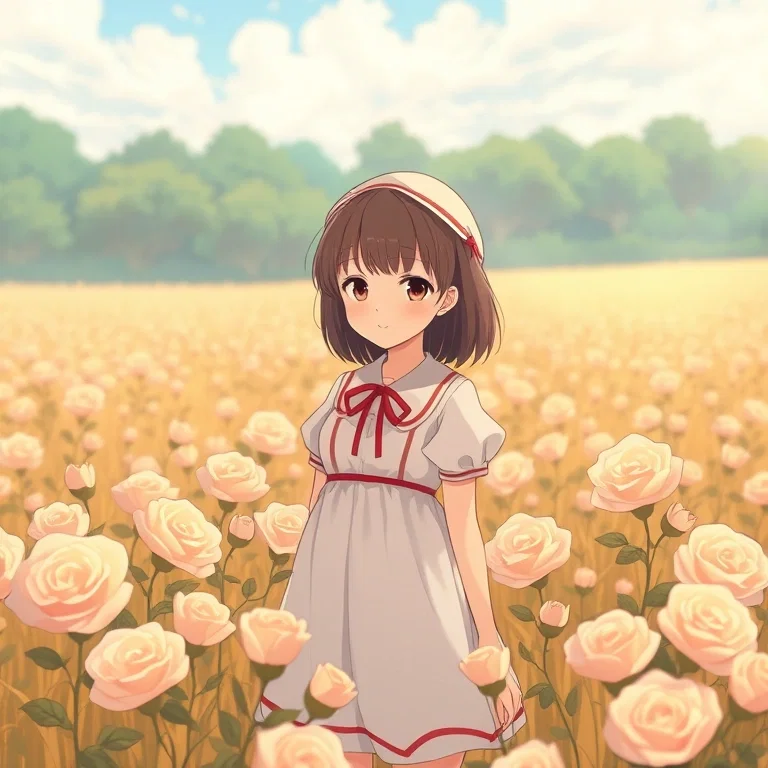
① Make hand depictions subtle
v2 is more prone to glitched fingers than other models, so I highly recommend writing things like "hands behind back" in your prompts!
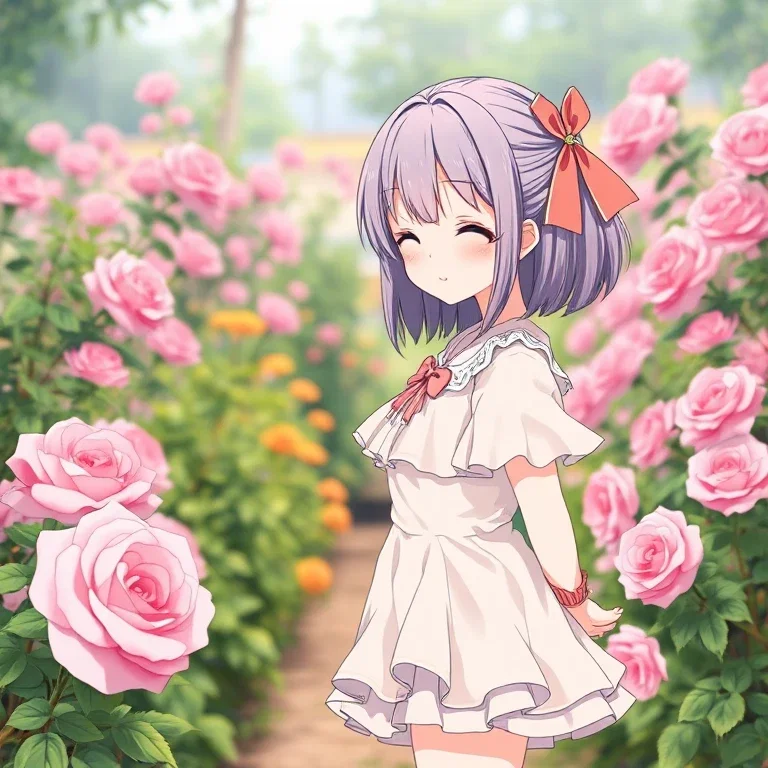
② Have them close their eyes
If you get tired of wide-open eyes, try having them close their eyes! It's a double win because it looks cute while also making the balance of the eyes and face easier to stabilize!
You can have them wink...
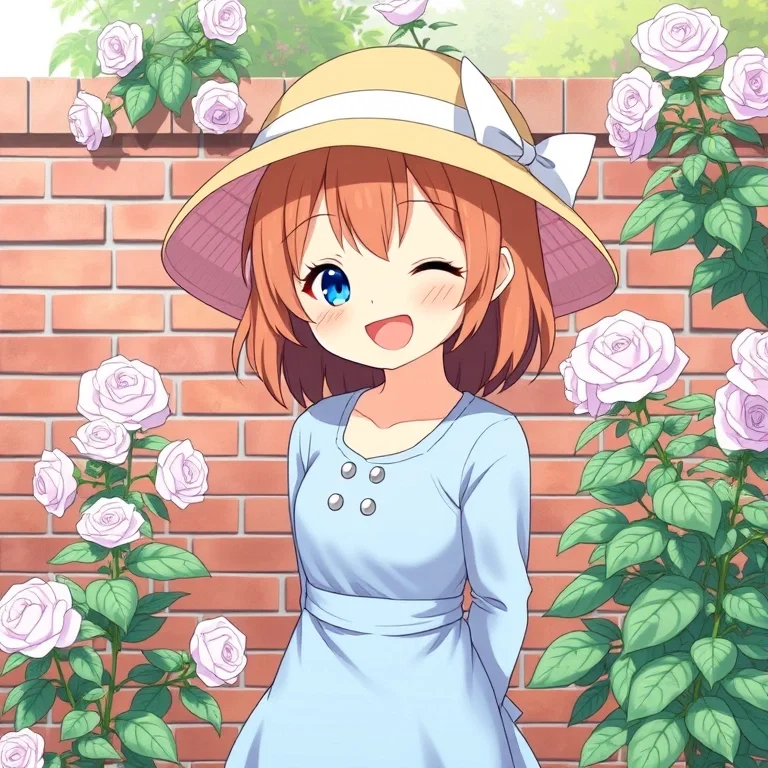
↑ (bright smile)
Or have them close both eyes!
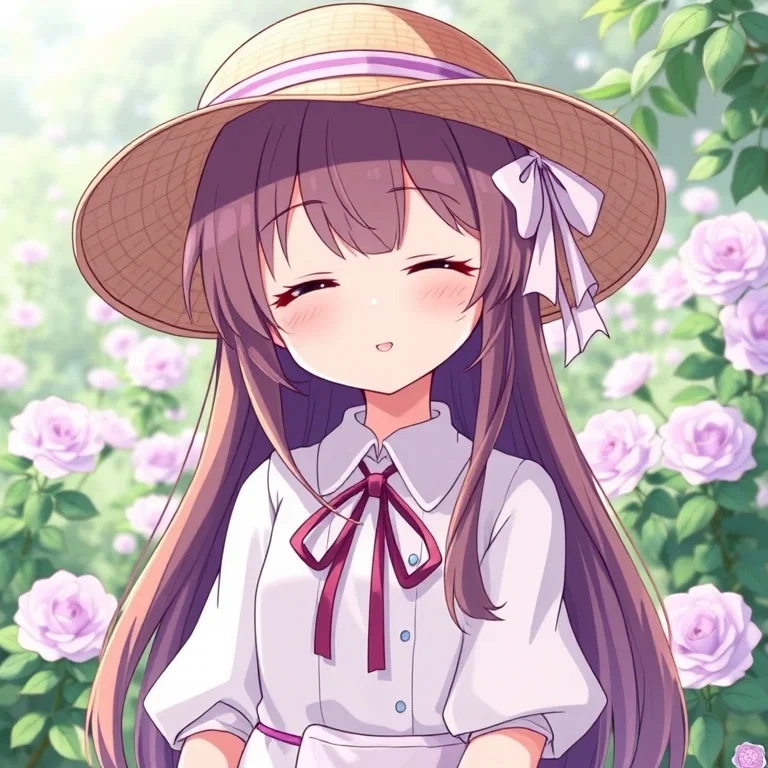
↑ (gentle smile)
③ Add hats or hair ornaments
Adding a hat or a large hair ornament tends to stabilize the shape of the head and face!
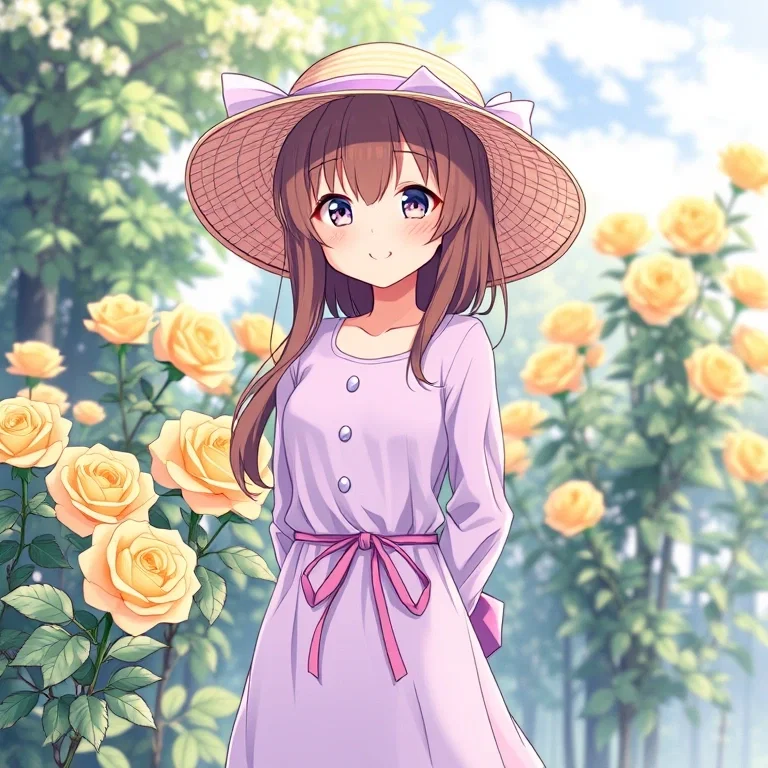
After that, you can add prompts like "best quality" or "masterpiece" to your liking!
If you're getting tired of other models or running out of ideas, definitely try using v2 to create some cute illustrations!