Back to Discussions
Help

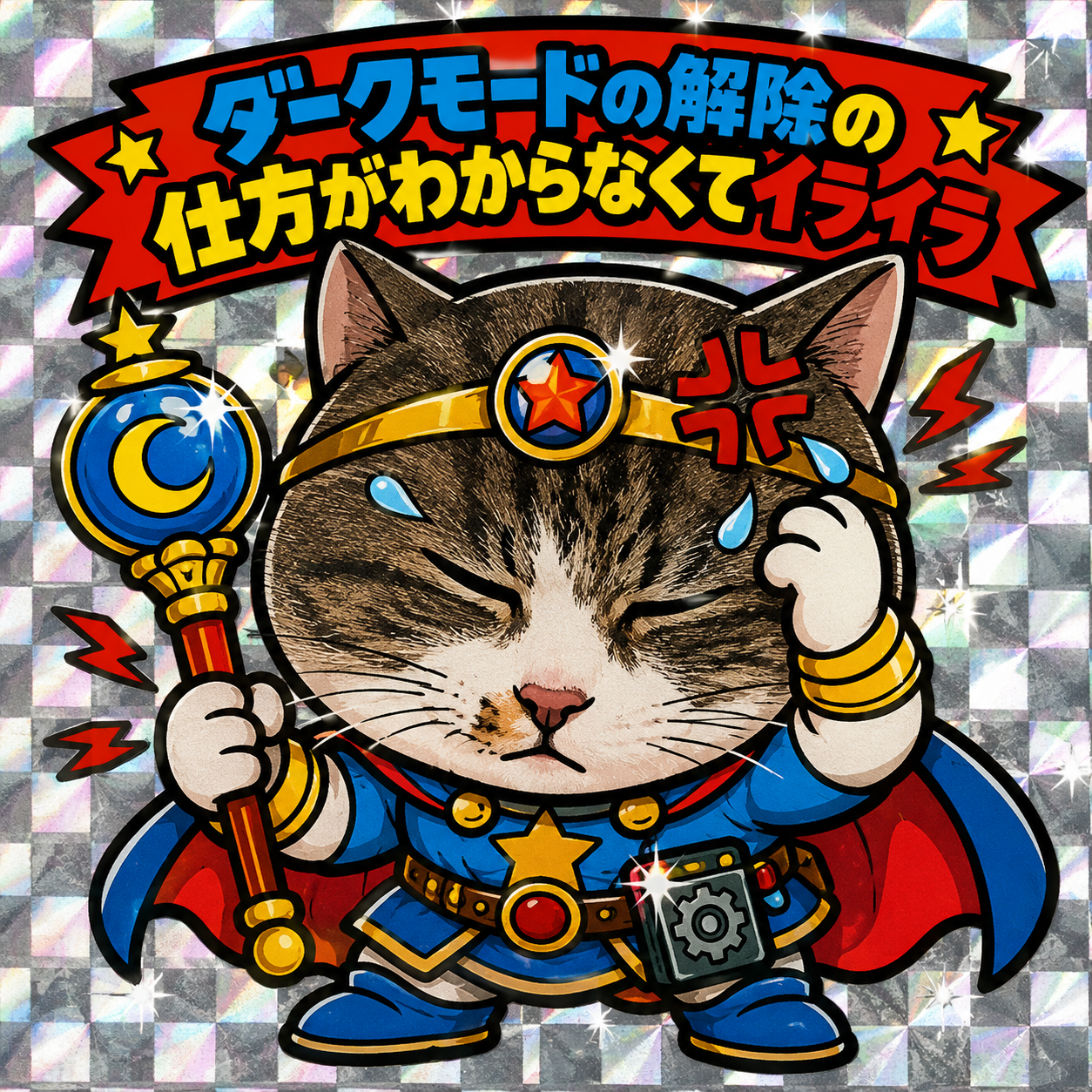
I don't know how to turn off dark mode.

こぶ
Translated to English·

It's not in the clearly obvious places, like the settings, right? Tears. I'm troubled... image
12 replies

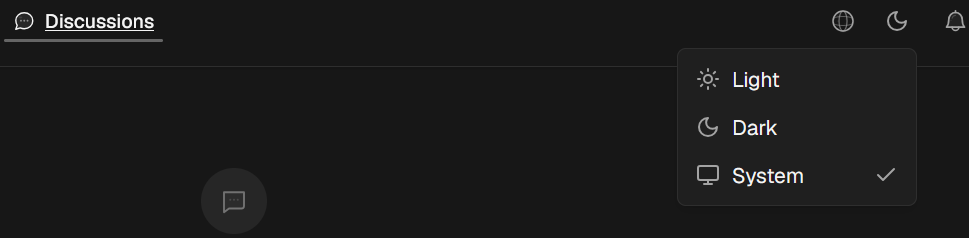
Maybe this helps at least on my system it looks this way👻
image

こぶOP·

Thank you. Perhaps because I haven't updated, that kind of screen doesn't appear.

S
SNoW·

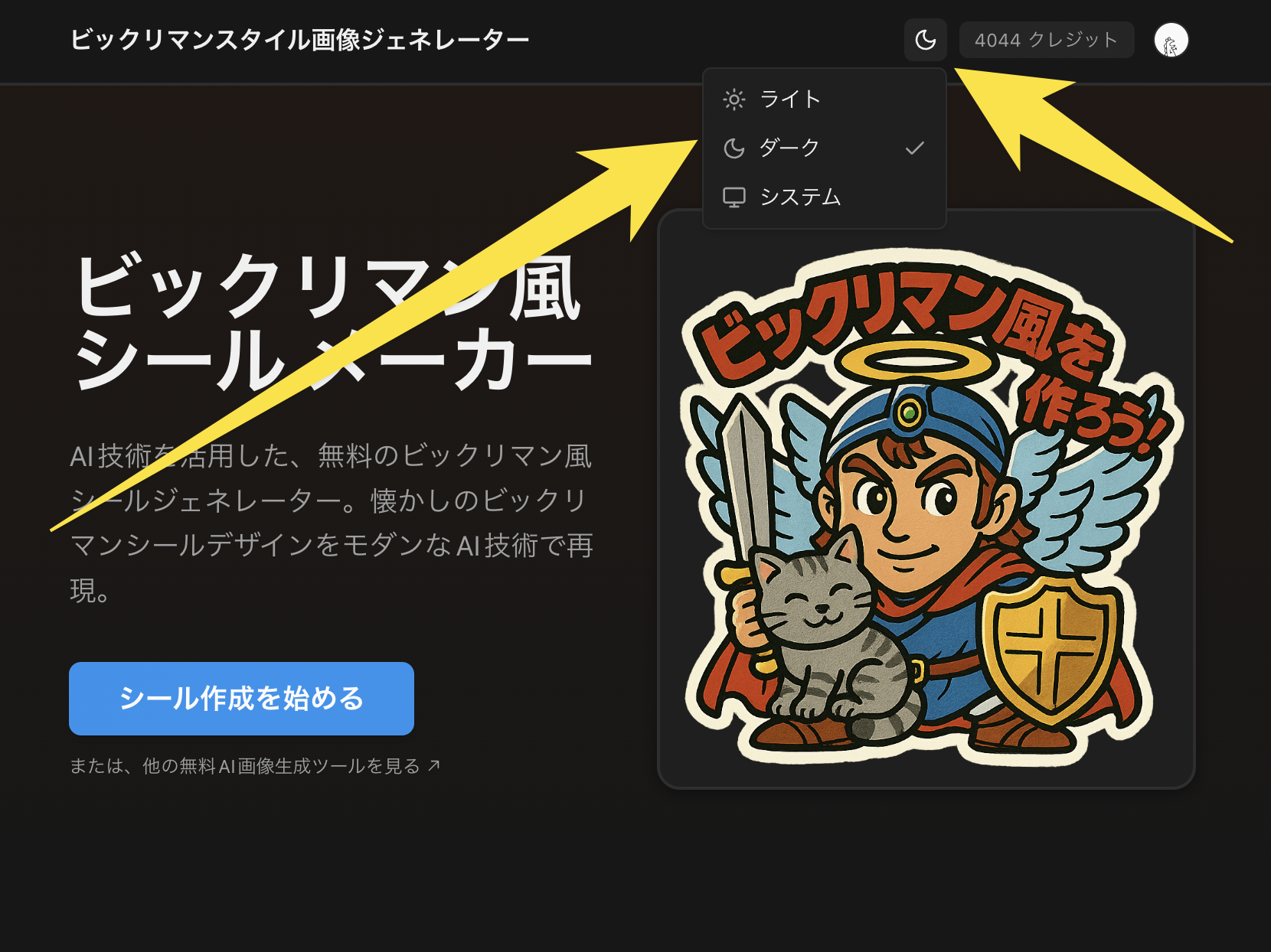
Sorry for the confusing spot...! I fixed the dark mode issue on the Bikkuriman page. Please try reloading the page a few times. Also, I added a theme toggle button at the top of the Bikkuriman page, so please feel free to use that as well.

image

こぶOP·

Are you from the management? Sorry, I don't really understand. Thank you for your assistance.

こぶOP·

It's resolved. Thank you for the explanation.

たぬー·

I actually kind of like how this Bigman Seal casually and clearly expresses the work situation ^ ^

こぶOP·

I'm glad you noticed that (^O^)

@こぶ

Another AI explanation😁:
Cats need only about one-sixth of the light humans require to see clearly in the dark.
🐈‍⬛
🖖

こぶOP·
@𖤓Ch⩜osfl⩜me🐦‍🔥

I wonder if you liked my cute little cat (^-^)

Both Bikkuriman and Ghibli apps are dead ends with no way back. I have no choice but to exit and reopen them! 😞🌀 I want a way back to home regardless of dark mode! 🕊️

こぶOP·

I went down, pressed the part that says "muryo aigazou.com", and went back, and it seemed I had somehow accidentally figured out the knack, so I wasn't concerned, but it's indeed a bit hard to understand.

Leave a reply

Join the community to share your thoughts and ideas.

Sign in to join the discussion