Back to Discussions
Bug Report

An error occurred and it could not be generated.

OOtakosan
Translated to English·

I've been getting errors since last night and cannot generate anything properly. Please tell me how to fix this.
By the way, I am generating on a PC. I have already confirmed that I am on the latest version and cleared my cache, but there has been no change. Thank you.
40 replies

たぬー·

It's not a solution, but it's tricky when an error is just displayed because there are multiple possible causes. I feel like clearing the cache usually fixes it. It's like when some fragment processing failed during the last time or at the time of creation. Since the list of forbidden prompts might have changed, it might be good to try creating with minimal words or try creating while signed out. (If it's during a busy time, it's highly likely to be a timeout error.)

O
OtakosanOP·

Tanu-san

Thank you for your comment.
I've been trying various things, but there's still no sign of it being fixed. For now, although it can generate half-baked results, it isn't able to generate according to the prompt; it seems like it stops reading the prompt halfway through the generation process. Even in the details of the partially created images, the prompt is only written halfway through.
Well, for now, I'll just wait patiently for it to fix itself naturally. Thank you very much.

S
SNoW·

Thanks for the report! Just to clarify, by "error," do you mean you get a red error message and the image can't be generated? Or does it generate an image, but it's completely different from the prompt?

O
OtakosanOP·

I'm getting a red error message that says "An error has occurred" and it feels like I can't create images.
When I press the generate button again, I get the message "Currently generating. You can only create one image at a time." Then, after a while, an item saying "Generation complete... view" appears at the very top of the home screen, but when I view it, the image generated is incomplete, with only about half of the prompt's content executed.

O
OtakosanOP·
@Otakosan

I finally managed to generate something properly after trying it just now. I had been getting error messages for the past 5 or 6 days and couldn't generate anything at all, so as a last resort, I decided to clear my cookies. I didn't want to do it because clearing my cookies would wipe the history and prompts of the works I'd created so far, but since a "Generation History" feature had been added, I figured it would be fine and went ahead with it. My history is gone, but I'm happy that I'm able to generate properly again. That's my report.

たぬー·

I see, so it's a situation where generation occasionally completes, but the prompt is cut off halfway. I once had a situation where I could only create an image with half of the prompt before encountering constant errors. Clearing my browser cache fixed it at the time, but... it seems like your situation might be a bit different. I couldn't be of much help, but I hope it recovers quickly and look forward to seeing your great work again.

O
OtakosanOP·

No, not at all, thank you very much.

M
mini burger·

How about trying to switch your LAN between wired and wireless, or trying dithering? You could also try manually deleting cache files or changing your browser. In any case, there are so many things to check on a PC that it must be a lot of work.

O
OtakosanOP·

mini burger

Thank you. I tried everything you suggested, but it's no good. Hmm.

たぬー·

I'm glad it's fixed. Thank you for reporting it, as it will be helpful for others who encounter this error in the future.

O
OtakosanOP·

Thank you for your concern. I am currently testing to see if I have fully recovered, but it seems like some new issues are starting to arise. I will report back to you again.

O
OtakosanOP·

anim4gin has been working terribly since yesterday.

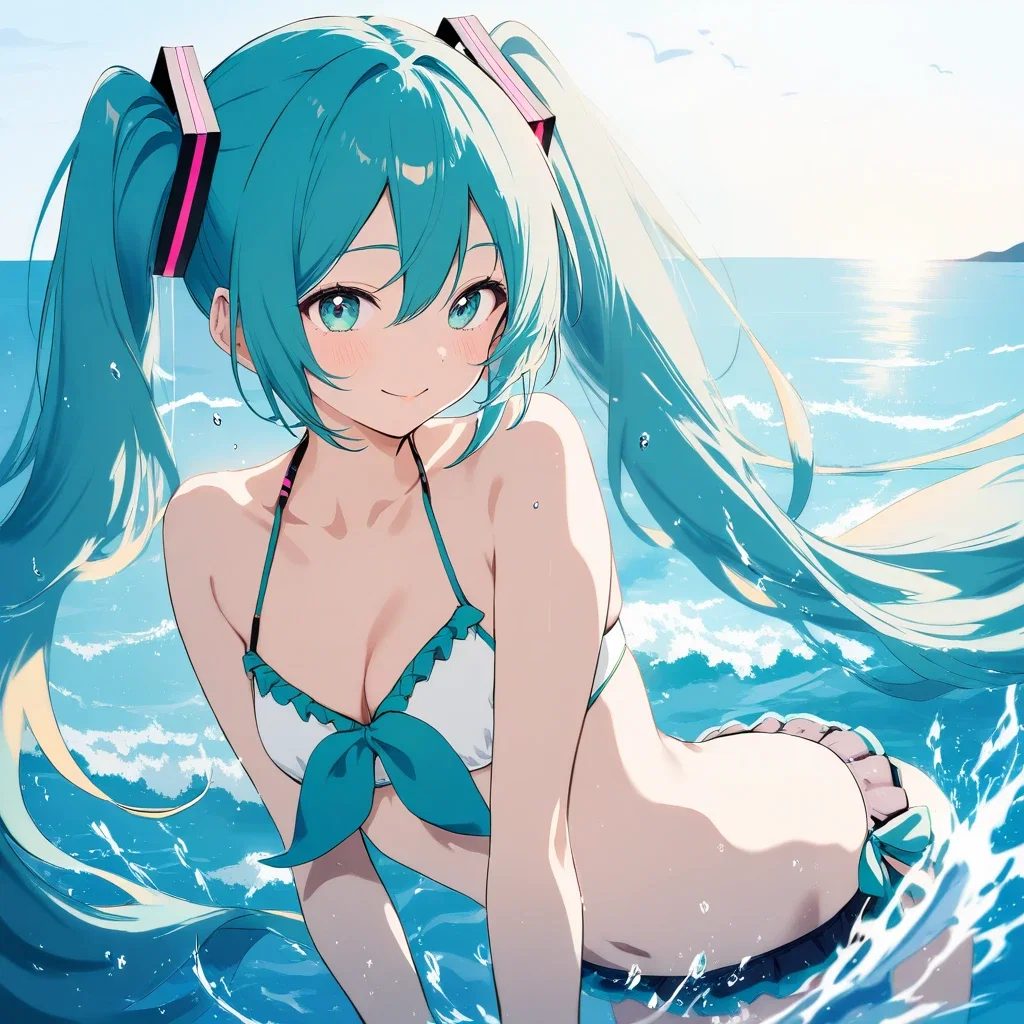
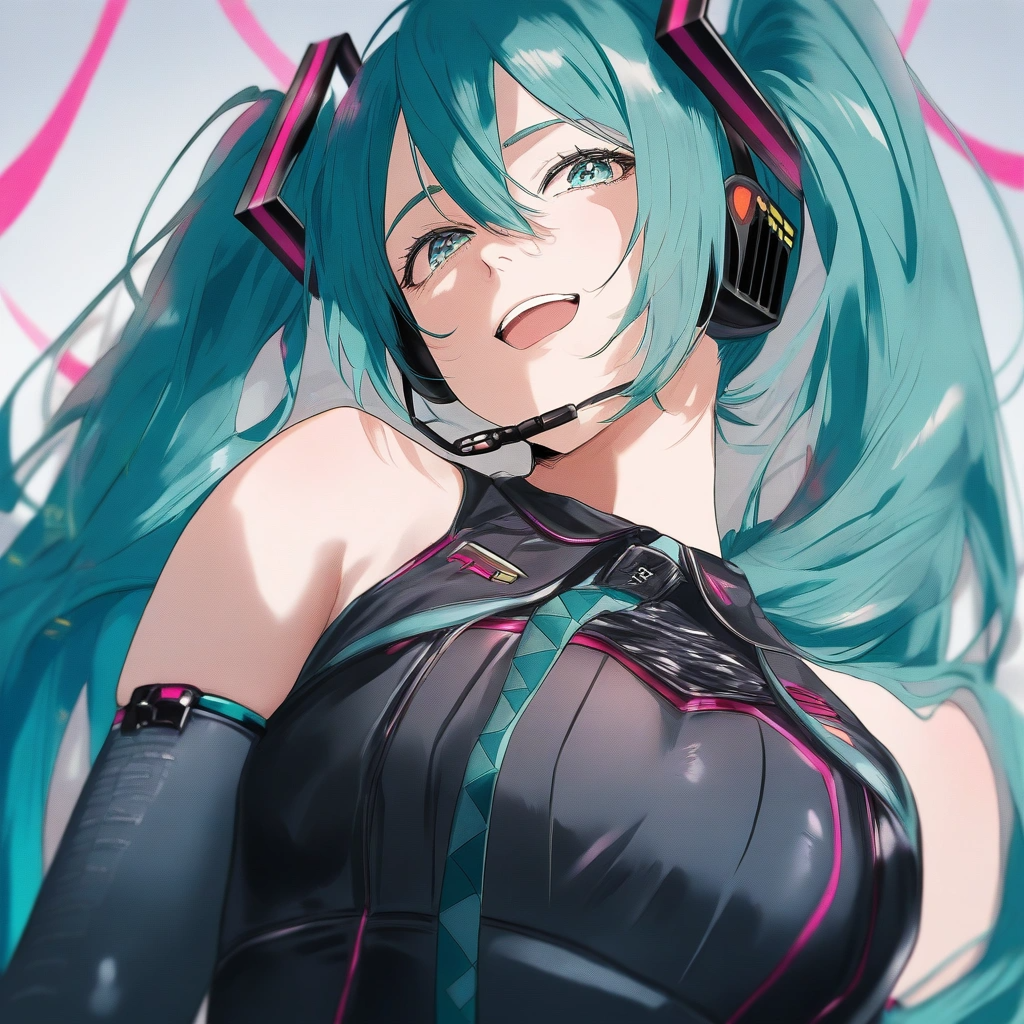
I used "Hatsune Miku" + 1K + detail enhancement, but it only generates images with distorted proportions.
image
image
I've made dozens of images, but both the coloring and the shapes are worlds apart from what I was creating before.
By the way, here is an image I made with "Hatsune Miku" + 1K + detail enhancement before the errors started occurring:
image
I think you can see that the quality is clearly off; is this something that can be fixed?
Thank you in advance.

O
OtakosanOP·

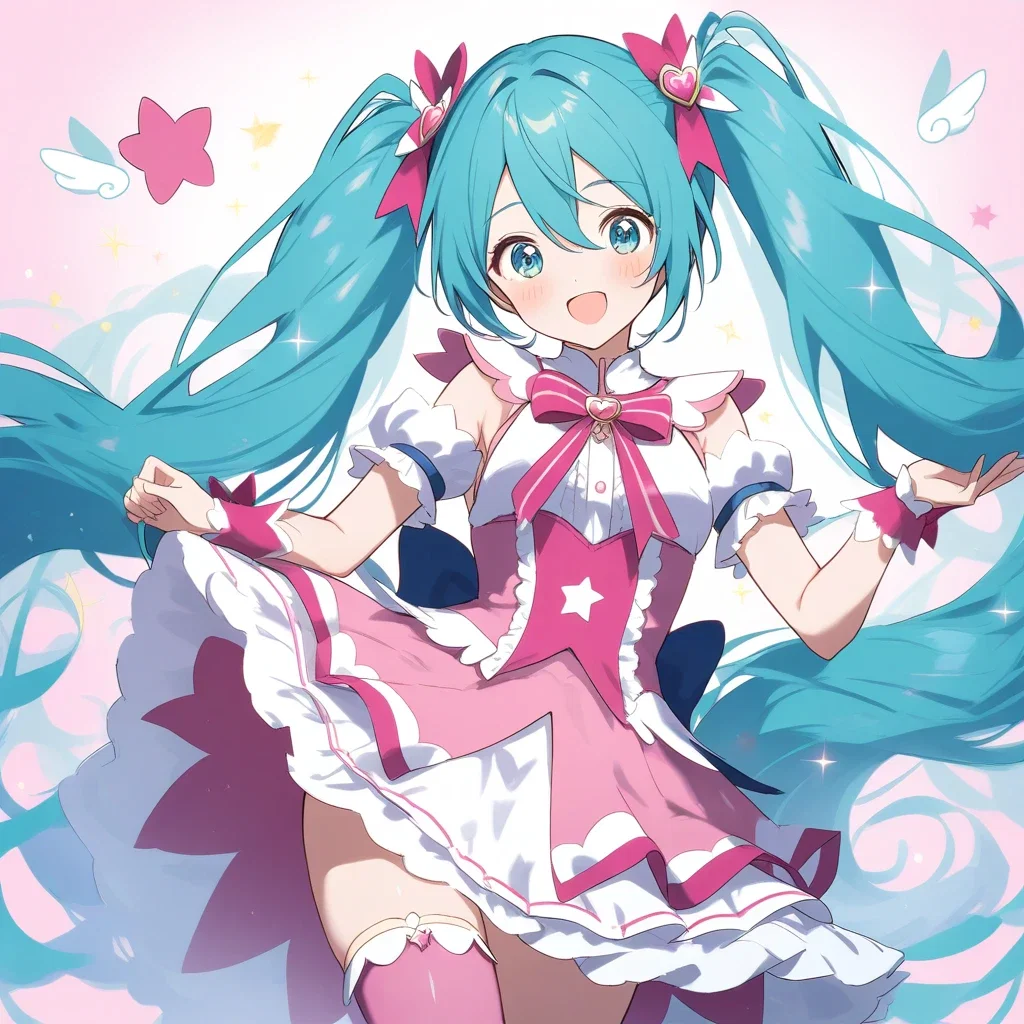
It feels like the artist inside the AI has changed; all the Miku images being generated are evil.
image
Also, I forgot to mention this, but the images generated using long-form prompts are also low quality, unlike before.

S
SNoW·

I have a good idea of the cause, so I am fixing it now.

O
OtakosanOP·
@SNoW

SNoW-san

Thank you for your prompt reply.

O
OtakosanOP·

I'm sorry the image is small and hard to see.
I wonder how I can display the image at a larger size…
image

S
SNoW·

This image in the comment section can be displayed in full screen and zoomed in by clicking it.

O
OtakosanOP·

SNoW-san

Oh, you were able to enlarge it. I understand now. My apologies.
Actually, there are people who post images at full size, aren't there?
I was wondering how they do that... are they writing something into the tags?

S
SNoW·
@Otakosan

While images in the post body are displayed at full width, images in the comment section are intentionally displayed smaller to ensure they don't become difficult to view when there are many comments. Do you feel that it would be better for them to be displayed large from the start in the comment section, rather than having to click to enlarge them?

S
SNoW·

I think the quality issues with anim4 have been fixed now, so I’d love it if you could try it again when you have some time.

O
OtakosanOP·

SNoW

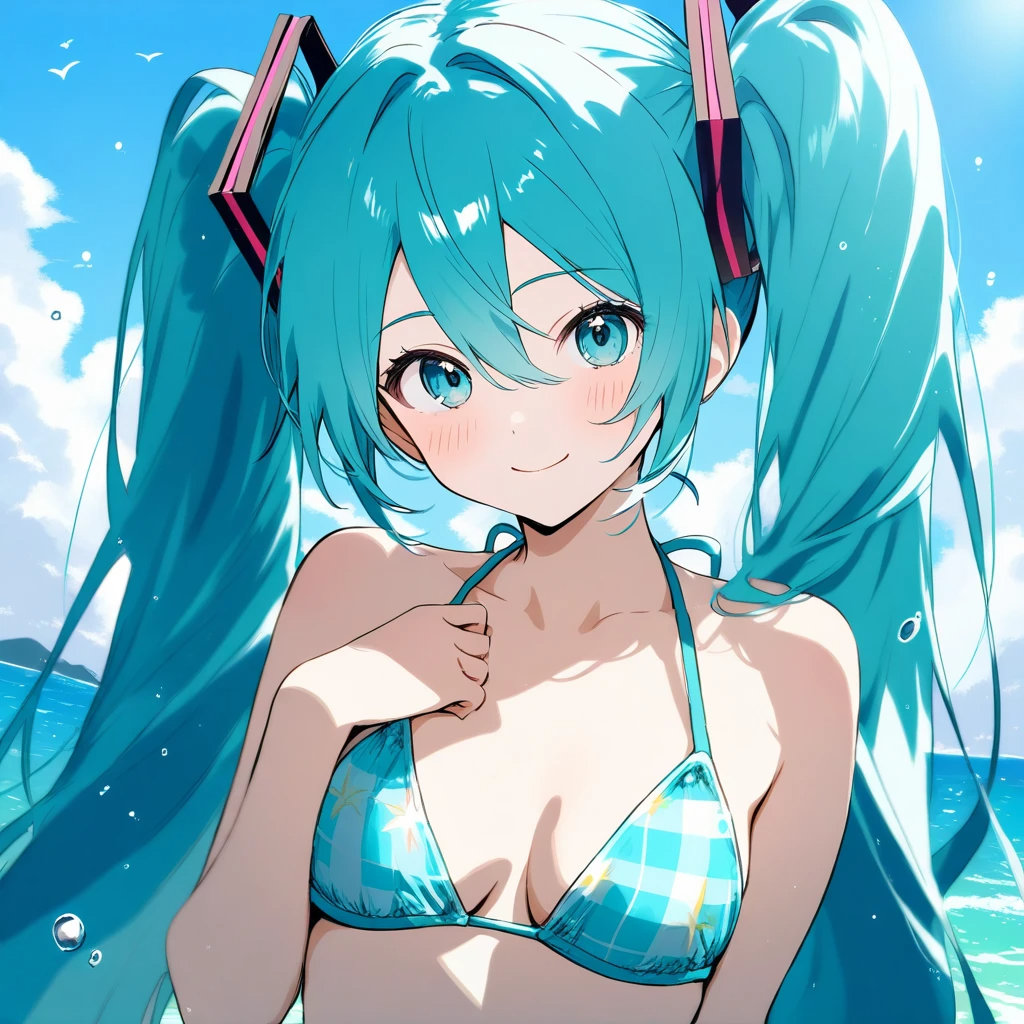
I generated a dozen or so images in a row using "Hatsune Miku" + 1K + detail enhancement.
Images of almost the quality shown below were produced, so I think it's completely fixed.
image
I am truly sorry for taking up so much of your time when you are so busy, and I thank you very much.
I am deeply grateful.

たぬー·

Good job!

O
OtakosanOP·

It's been so long!! I'm finally completely back, yay! 😂🤣😊😁👍

O
OtakosanOP·

I tried to generate something using ChatGPT a little while ago, but it wasn't generating properly. After about 15 minutes, a "Fail" icon appeared, so I clicked it to mark the generation as a failure, yet my credits were still used. Can I get a refund for this?

O
OtakosanOP·

SNoW-san

Thank you for your prompt response.

O
OtakosanOP·

I was planning to have some fun generating things starting around 3:00 AM tonight, but the "I'm not a robot" verification won't complete.
The verification icon just keeps spinning, then suddenly disappears, only to start verifying all over again; this keeps repeating endlessly, and it won't even let me check the box.
I've been stuck waiting for verification for the last 4 or 5 hours and I'm at a loss. Is there some kind of cause for this?

O
OtakosanOP·

It's been over 12 hours since I started, but I still can't get past the security screen.
It was working fine until yesterday, so I wonder why?
Honestly, I'm tired of staring at the security screen...
If anyone has any idea what the cause might be, please let me know.

S
SNoW·
@Otakosan

Have you already tried measures such as trying a different browser, temporarily disabling ad-blocker extensions, or accessing it from a smartphone if the issue is occurring on a PC?

S
SNoW·
@Otakosan

Could you try reloading the page a few times? For logged-in users, I have temporarily turned off this authentication.

O
OtakosanOP·

新たなバグ報告です。
アルバムに新しい画像を追加しようとすると↓のメッセージが出て追加できません。
An error occurred in the Server Components render. The specific message is omitted in production builds to avoid leaking sensitive details. A digest property is included on this error instance which may provide additional details about the nature of the error.

O
OtakosanOP·

Huh? I was able to add it to a different album.
Is there a set limit for the number of photos in one album, by any chance?
The album that gave me the error has exactly 100 images in it—could it be that you can't add more than 100, and that's why the error occurred?

O
OtakosanOP·

The error disappeared after I reduced it to 100 sheets or less. I have resolved this myself.

たぬー·

I see, so there's a 100-sheet limit.

O
OtakosanOP·

SNoW-san

The thumbnail for this video isn't displaying; was there some kind of issue with it?

Leave a reply

Join the community to share your thoughts and ideas.

Sign in to join the discussion