Back to Discussions
Showcase· edited

I tried using Niji7😂

こばと🕊️_ダヴ(DOVE)
Translated to English·

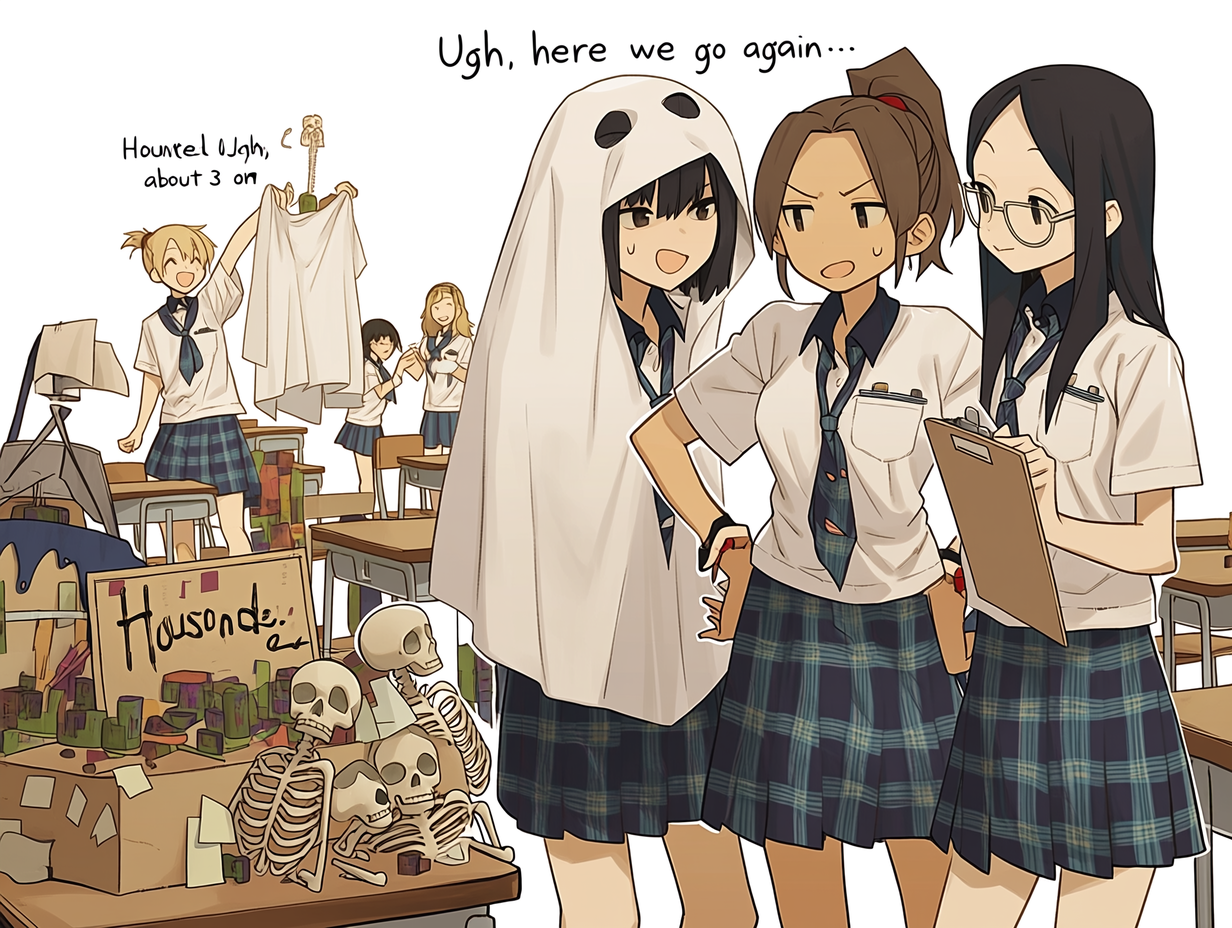
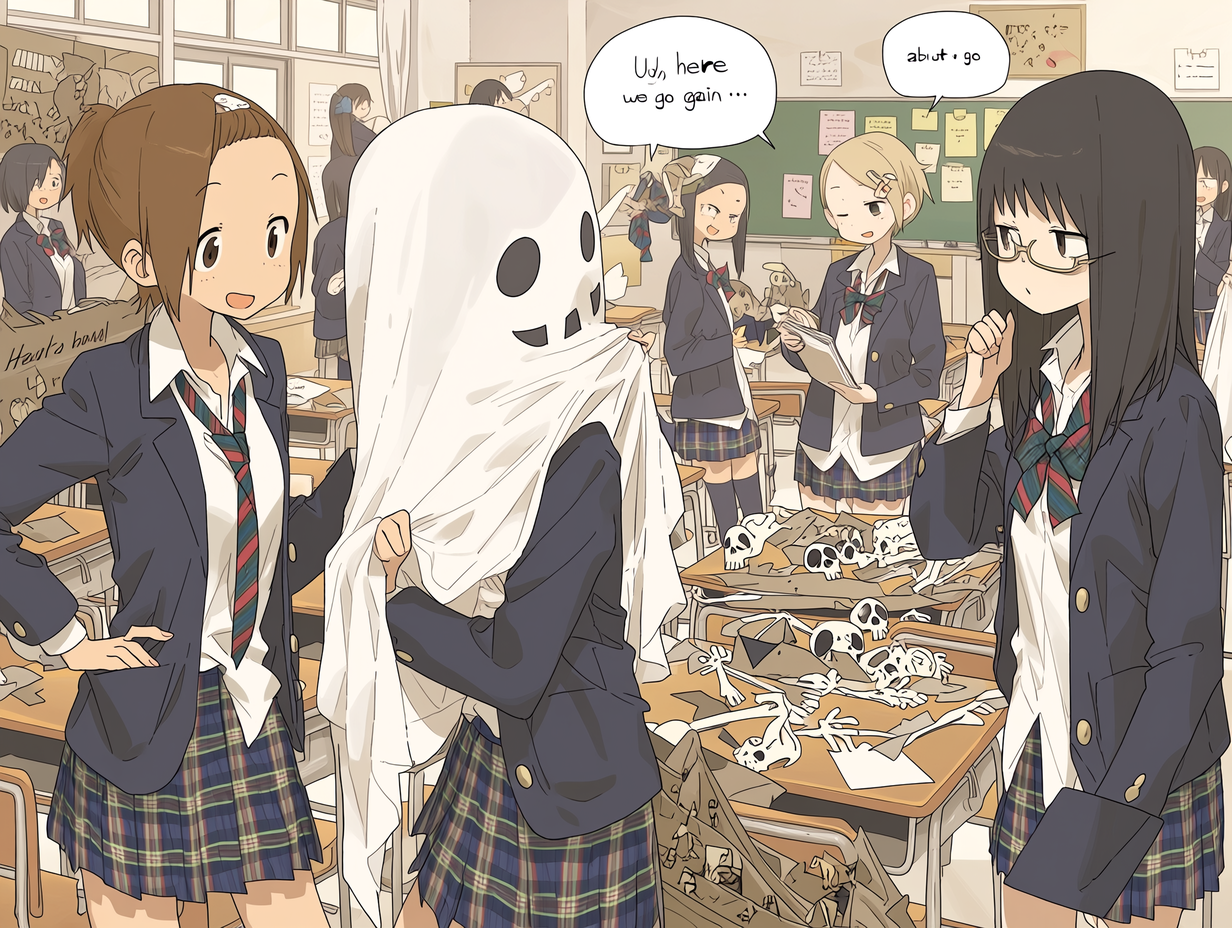
I managed to do it in Japanese. Four images were generated automatically. It works with normal sentences. It seems the quality tags don't work. There are dedicated tags and you can set parameters within the prompt, but I don't know about them 😞🌀 It seems troublesome to remember... 🕊️ I tried it anyway. 😂🌷

1

9 replies

O
Otakosan·

Here is the explanation from Google.

The latest model of the image generation AI "niji・journey", "Niji 7 (Version 7)", is a top-tier AI generation model co-developed by Spellbrush and Midjourney, specializing in anime, manga, and illustration expression. It has made dramatic improvements over the previous generation, with the main features as follows.

Overwhelming "line art" and detail expression - clear lines that don't collapse:
Even in complex illustrations with high information density, such as fine wrinkles in clothing, the flow of hair, and details of machinery or architecture, the lines are drawn clearly without collapsing.

High-definition consistency:
From the sparkle in a character's eyes to each individual petal dancing in the background, the overall consistency and "pixel-level detail" of the image have been greatly improved. In particular, the depiction of "eyes" and "hands," which were previously considered weak points, is now output with unprecedented accuracy.

Challenge of simple pictures utilizing "negative space" - overcoming minimalism:
In "extremely simple pictures (minimalist style)" where there are very few elements and mistakes cannot be easily hidden, the AI has been adjusted to beautifully express "negative space."

Super faithful prompt understanding - high adherence to text:
It has become smarter in response to text prompts, reproducing the input words with extremely high accuracy.

Not good at "leaving it to AI":
On the other hand, being more faithful to instructions means that with simple prompts like "just convey the overall atmosphere and leave the rest to the AI," the output tends to be too simple. Therefore, it is necessary to specifically verbalize the elements you want to be drawn.

Evolution in functionality and convenience - incorporation of Draft Mode:
A mode has been implemented where resolution is slightly reduced, but the generation cost (credit consumption) is halved and generation speed is increased by up to 10 times.

Automation of personalization:
A function to output results tailored to the user's preferences is turned on by default (can be turned off in settings).

Video integration with other tools:
The generated high-quality illustrations are widely used as a base for seamlessly creating commercial animation-quality videos by combining them with external video generation AI (such as Hailuo AI or DomoAI).
O
Otakosan·

I want to try using it, but I can't immediately think of a picture that can take advantage of this high performance...😅

O
Otakosan·

I tried using it, and when I didn't specify any style, this is the kind of image that came out. Also, perhaps because it was in Japanese, the things written in the prompt were pretty much ignored. Even though I wrote "no speech bubbles or dialogue at all" lol (It generated 4 images at once, but I couldn't upload the remaining 2 because they were flagged by the community guidelines.)
image

image

I tried it too, but I didn't know how to use it, so I don't really get it 🤷... Also, mysterious images appeared...

Looks like everyone's struggling, huh? 🤔 It's highly functional and amazing, but prompts don't work, and there are like special control tags? Without knowing them, it's hard to use. Plus, it's 12 credits, so I can't try many times, and I'm struggling 😞🌀🕊️

O
Otakosan·

I asked Google about the dedicated control tags. Here is a reference.

  1. Tags to fix and control art style (picture style)
    😉--sref <code or image URL> (Style Reference)
    This is the most powerful tag for carrying over a favorite art style or color palette to other images. By inputting a "sref code (numbers)" shared online or pasting the URL of a reference image, you can closely replicate that style.

😃--sv 4 or --sv 6 (Style Version Change)
When using sref codes from previous generations (e.g., Niji 6) with Niji 7, this control tag is combined to reproduce past behavior.

😄--p (Personalization)
Based on the "preference diagnosis" performed on the website, this control tag automatically applies a customized style for you. In Niji 7, it is enabled by default, but by controlling it, you can fix it to your preferred style.

  1. Tags to fix a character's appearance
    😆--cref <image URL> (Character Reference)
    This control tag is used to remember the "face," "hairstyle," and "clothing" of a generated character and have them reappear in different poses or situations. It is essential for maintaining consistency in hair color and facial features.

  2. Tags to change generation efficiency and size
    😊--draft (Draft Mode)
    As mentioned, this is a new Niji 7 feature tag that speeds up generation by up to 10 times and halves credit consumption.

😋--ar <ratio> (Aspect Ratio)
Specifies the image's aspect ratio. For example, use --ar 9:16 for a smartphone wallpaper, or --ar 16:9 for a computer screen, entered at the end to control it.

  1. Tags to manipulate line thickness and paint texture
    😉--style raw (Style Raw)
    This tag forcibly turns off the AI's characteristic "flashy decorations and arbitrary arrangements." It is highly effective when you want to emphasize Niji 7's strength of "clean, flat anime line art" or "simple cel-shaded style."

🤣--s <number> / --stylize <number> (Stylize)
Adjusts how much the AI "decorates the image to make it beautiful." The setting range is 0–1000 (default is 100).
Low (--s 50): Prioritizes the prompt's instructions, resulting in a simple, anime-like original drawing.
High (--s 500): The AI freely enhances backgrounds, light reflections, etc., in a luxurious way, but it may ignore the prompt's instructions.

  1. Tags to expand or fix the "gacha" range
    😎--c <number> / --chaos <number> (Chaos)
    Controls the "variation (diversity)" among the four images generated in one run. The setting range is 0–100.
    Default (0): Four similar compositions with variations.
    High (--c 50): Produces four images with completely different compositions, poses, and styles, ideal for brainstorming design ideas (when you want to pull the gacha).

😆--seed <number> (Seed Value)
Specifies a "unique random number (ID number)" assigned to an image, allowing you to completely reproduce the same composition and lighting. Use this when you want to keep a favorite composition from a previously generated image while changing only the clothing color.

  1. Tags to eliminate unwanted elements
    🙂--no <word to exclude> (No)
    A negative prompt function that specifies "things you don't want drawn in the image."
    Example: To make the background pure white, input --no background; to prevent text (letters) from appearing, input --no text, words.

  2. Tags to change the influence of the referenced "style"
    😁--sw <number> (Style Weight)
    This tag is used together with the aforementioned style-fixing tag (--sref) to adjust "how strongly the original style is imitated."
    The setting range is 0–1000.
    If you want to "copy only the color palette but keep the style as Niji 7's sharp line art," setting it low, like --sw 50, works well.

💡 Order rule when using multiple tags
When using multiple control tags, separate them with spaces and input them all together at the "very end" of the prompt.
Example prompt: a girl with short green hair, sharp eyes --ar 16:9 --style raw --s 250 --no background

O
Otakosan·

You don't have to put out all four at once, so can't you make them for 3 credits each? 😅

Thank you for the detailed explanation😂 It seems that four sheets come out is a specification of this model, but indeed, I wish it were cheaper since one sheet is enough😂🕊️🌷

スラームニ号·

I think twelve credits is a bit expensive. 😅 Maybe two for six credits would be better... 🤔

Leave a reply

Join the community to share your thoughts and ideas.

Sign in to join the discussion