3 Ways to Generate More Beautiful Anime-Style Illustrations with Image V2
ねAs I write this article, discussions are taking place in community member SNoW's posts about the gallery upload feature and model usage restrictions, including proposals to charge for using certain models or uploading itself...
If, by any chance, the range of models available for free becomes limited, we may need to generate higher-quality images with fewer opportunities 😓
So, as someone who has long used Image V2 (hereafter V2)—a model that has been on this site since its early days and seems likely to remain—I’d like to write down tips for generating beautiful anime-style illustrations with minimal flaws using V2 for future reference 🖋️
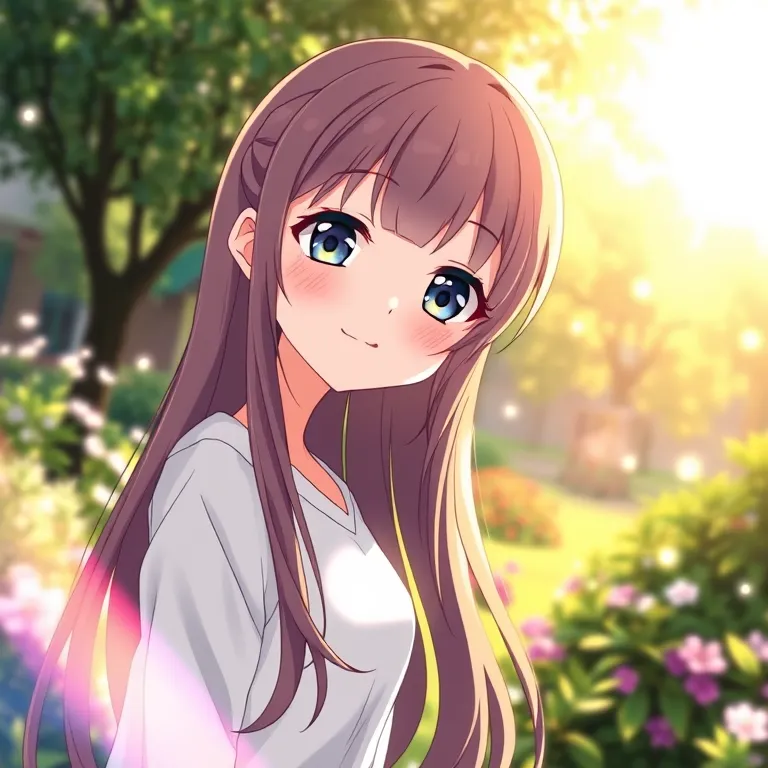
① Leverage prompts describing light ✨
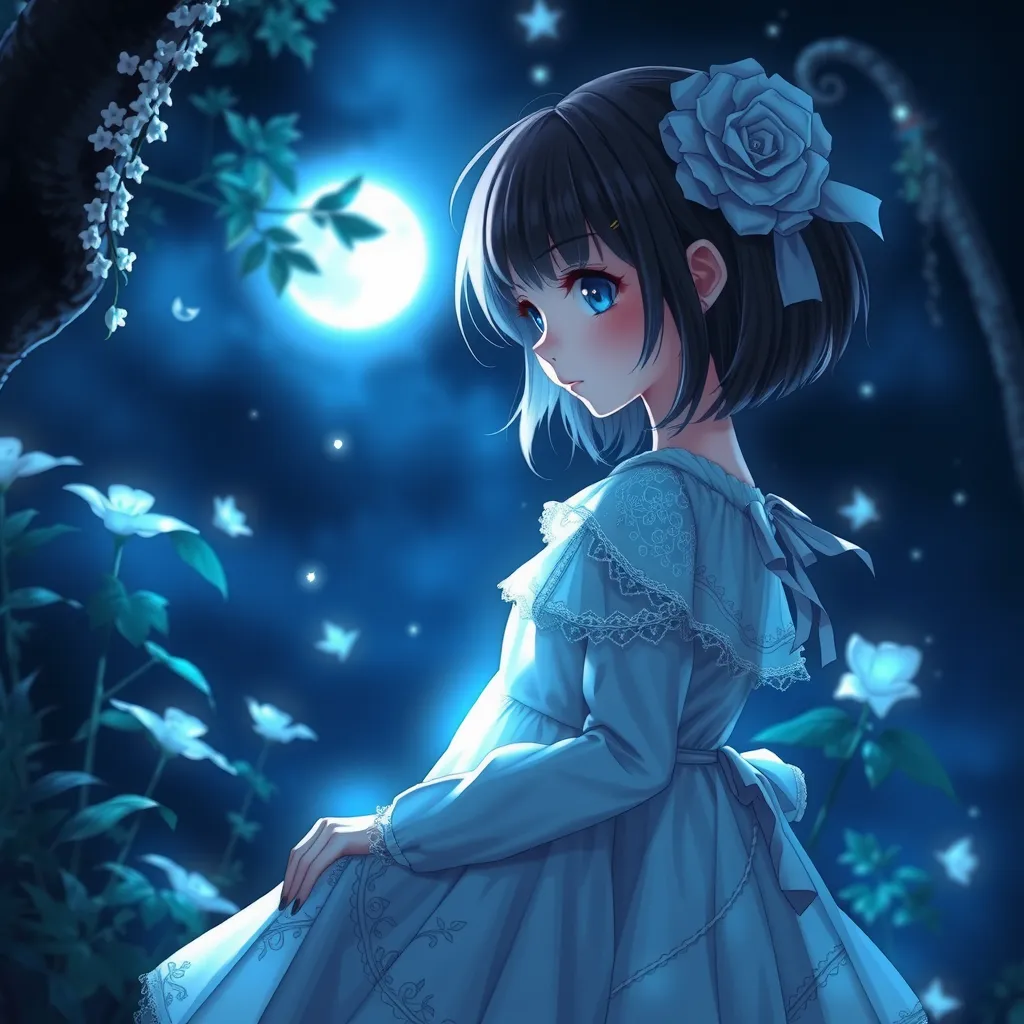
As I , V2 excels at depicting light. So, for example, it’s recommended to include prompts about light, such as "sparkle," "lens flare," or "rim light." You can also supplement them with the auto-prompt feature!
↓ Example 1-1: Anime CG, cute girl, long hair, smile, white long-sleeved clothes, daytime garden, fantastical light, sunlight through trees, sparkle, lens flare, rim light
↓ Example 1-2: Anime CG, dark fantasy, girl, white dress with delicate lace, nighttime garden, deep darkness, fantastical pale light, moonlight, sparkle, lens flare, rim light
② Create a sense of depth 📷️
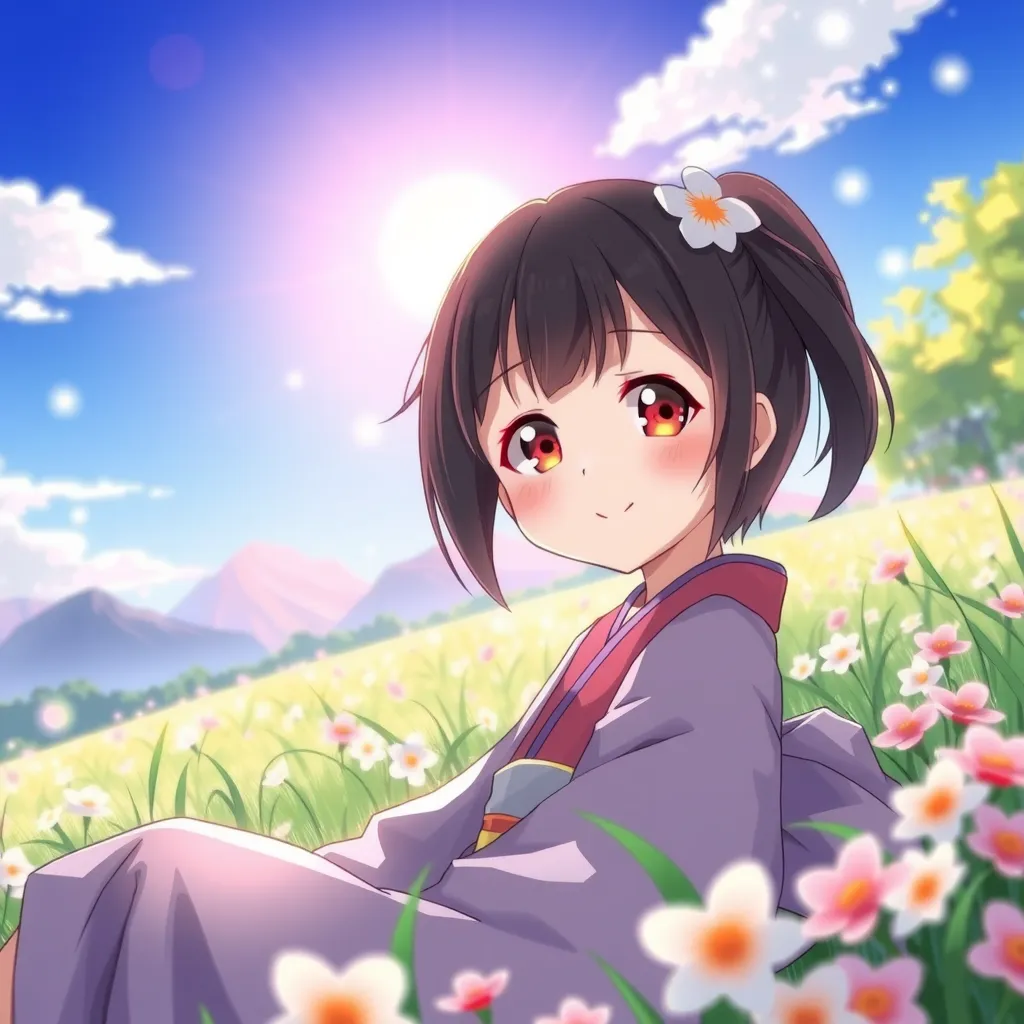
V2 is good at depicting blur for distant or close objects! So for character illustrations, adding prompts describing the background scenery can give the image more depth. Recommended!
↓ Example 2: Anime CG, cute girl, smile, sitting in a field, kimono, spring flowers, distant hazy mountains, blue sky, lens flare
③ My personal favorite 6-element prompt 🔮
Anime CG, girl, inside a dream, field, grass and flowers, sparkling
↓ Example 3
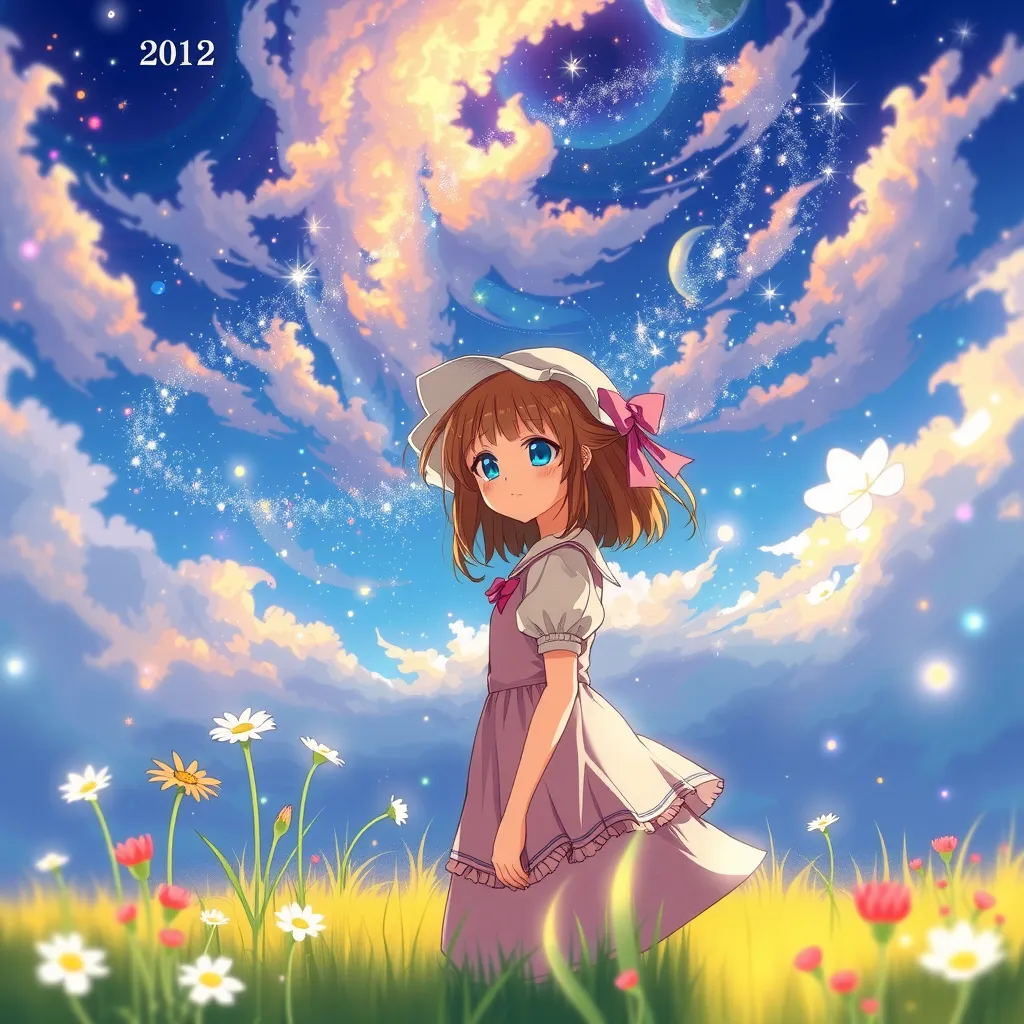
This prompt consists of just 6 elements, but even this can bring out V2’s strengths! For your reference ✨
(Also, in my experience, V2 tends to produce prettier images with shorter prompts.)
【Conclusion】
Whether the above methods work with other models depends on the model, but I hope this can serve as a helpful reference for everyone!
Works from V2’s heyday a year or two ago also have prompts that are very insightful 😆
【Bonus】
V2 has long had the issue of occasionally producing flaws like messed-up fingers when generating anime-style illustrations, but I’ve been gradually finding ways to improve that ⚙️
For instance, inputting Anime CG instead of "anime style" tends to reduce bugs. I’m thinking of compiling these into a single article later 🖊️
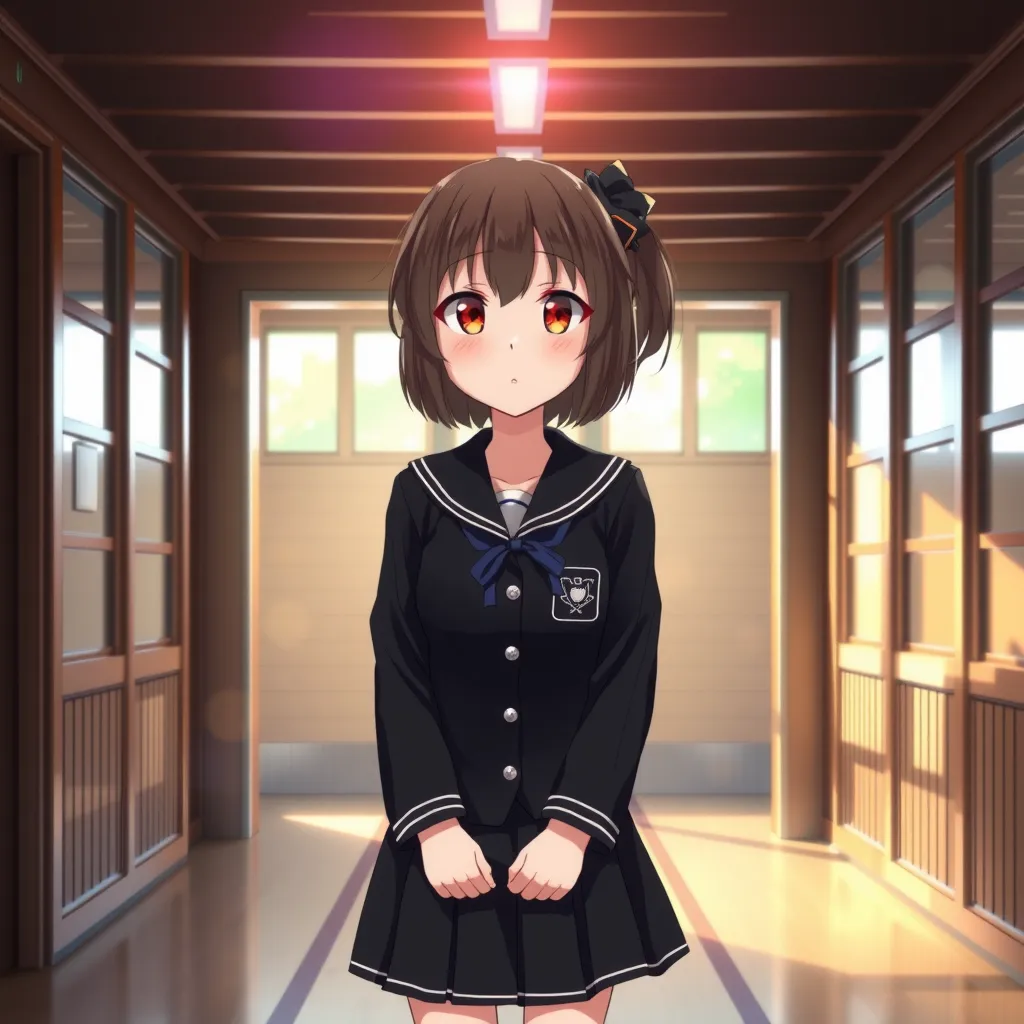
↓ Example 4: Anime CG, cute girl in a black uniform standing in a wooden school building hallway, lens flare