Announcements
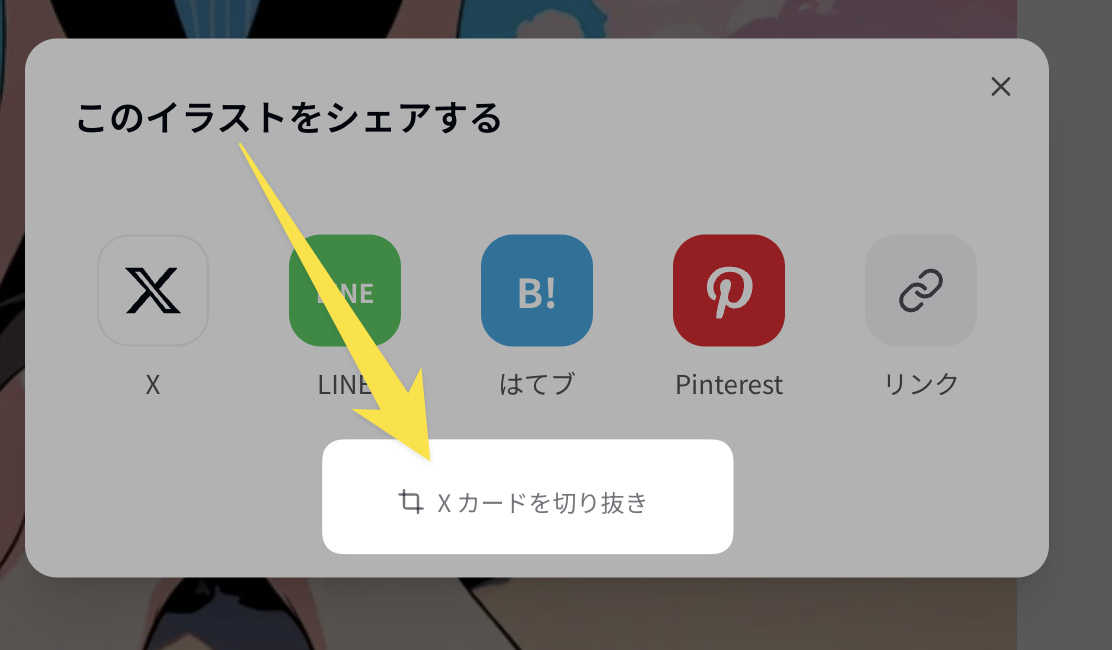
We have added a trimming feature for sharing gallery images to X.
STranslated to English·
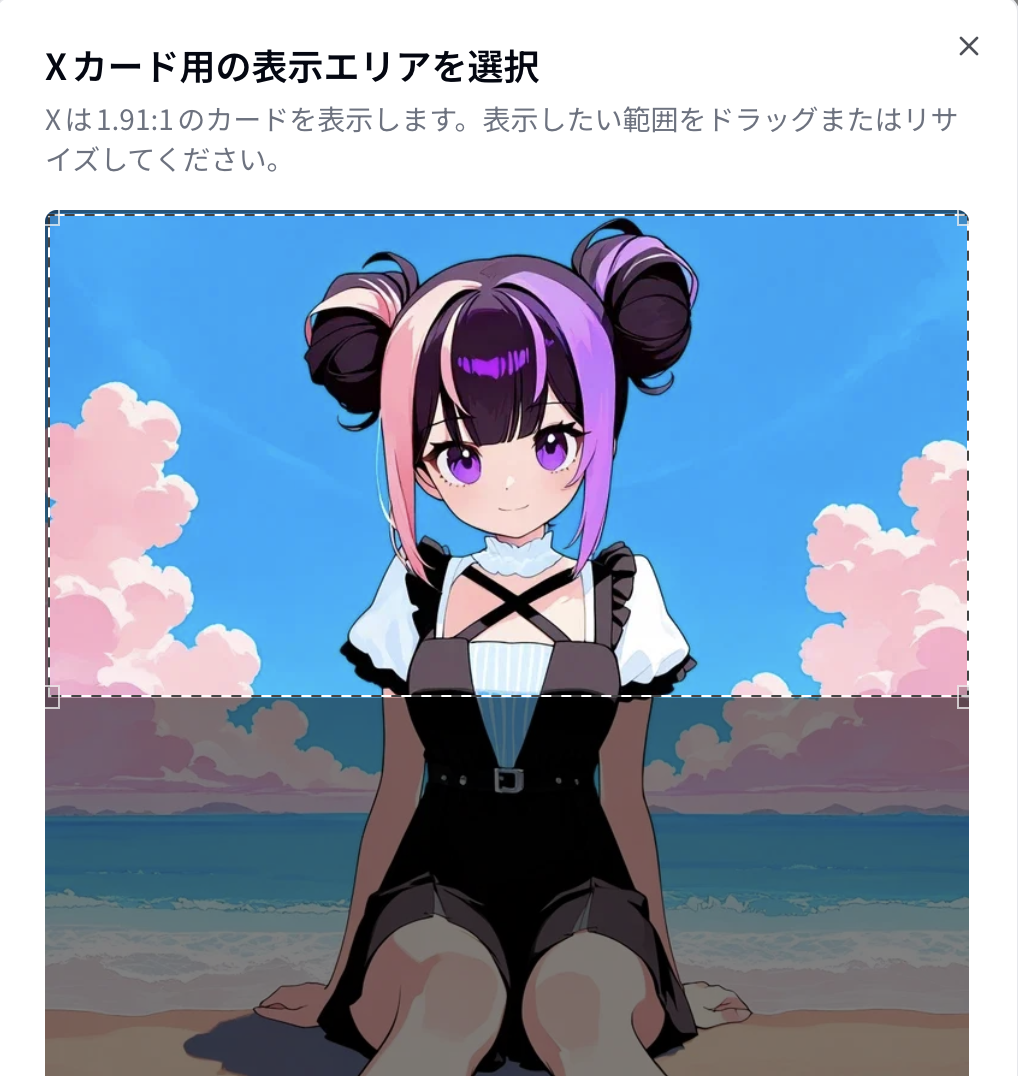
Since X cards have a landscape aspect ratio, sharing square or portrait images as-is sometimes resulted in a slightly awkward default display position. I’ve made it so you can adjust this yourself.
I’ve included a screenshot showing roughly where the option is located. By selecting "Crop," you can manually specify the area to be displayed on the X card.